Table reservations
Tables booked without the phone ringing.
Customers book themselves, day or night. More covers, fewer no-shows, and you know by midweek how full Saturday is.
7:00 PM
4 guests
Sophie Bennett
Table T2
7:30 PM
2 guests
Marcus Taylor
Table T1
8:00 PM
6 guests
Priya Kapoor
Table T4
8:30 PM
3 guests
Oliver James
Table T3
9:00 PM
5 guests
Anna Rossi
Table T6
01 — Open all night
Bookings come in while you're closed.
Most people decide where to eat at home in the evening, on their phone. Your website takes their booking there and then, with live availability and no commission.
- Live table availability
- Book from your website or a link on social media
- No commission on bookings
02 — Fewer no-shows
Fewer empty tables from no-shows.
Guests get a confirmation and a reminder before they come. If they can't make it, they cancel in time for you to fill the table. For the bookings you choose, you can take a deposit.
- Automatic confirmations
- A reminder before their visit
- Deposits on the bookings you choose
03 — Floor plan
Your dining room, at a glance.
See every table on a floor plan that matches your room. Assign, join and split tables as the night changes, so you seat more covers.
- A floor plan that matches your room
- Join and split tables in a tap
- See who's seated, who's due and who's late
04 — Your guests
Know your regulars before they sit down.
Every booking adds to your customer list: how often they come, notes like an allergy or a birthday, and what they had last time. Greet regulars by name without relying on memory.
- Guest notes saved with every booking
- Visit history at a glance
- Send them an offer in a couple of taps

05 — Plan your week
Know by midweek how busy Saturday is.
See your covers for the days ahead and staff to match, so you're not paying for a quiet night or caught short on a busy one.
- Covers for the week ahead
- Staff to match the bookings
- Less food wasted on quiet nights
06 — On the till
Bookings and orders on one screen.
Bookings sit on the Dinerly till next to your orders, so the person on the door and the person on the till see the same thing.
- Bookings next to your orders
- Seat a table and start their order
- Walk-ins added in seconds
Side by side
The bookings diary vs Dinerly.
What Our Customers Say
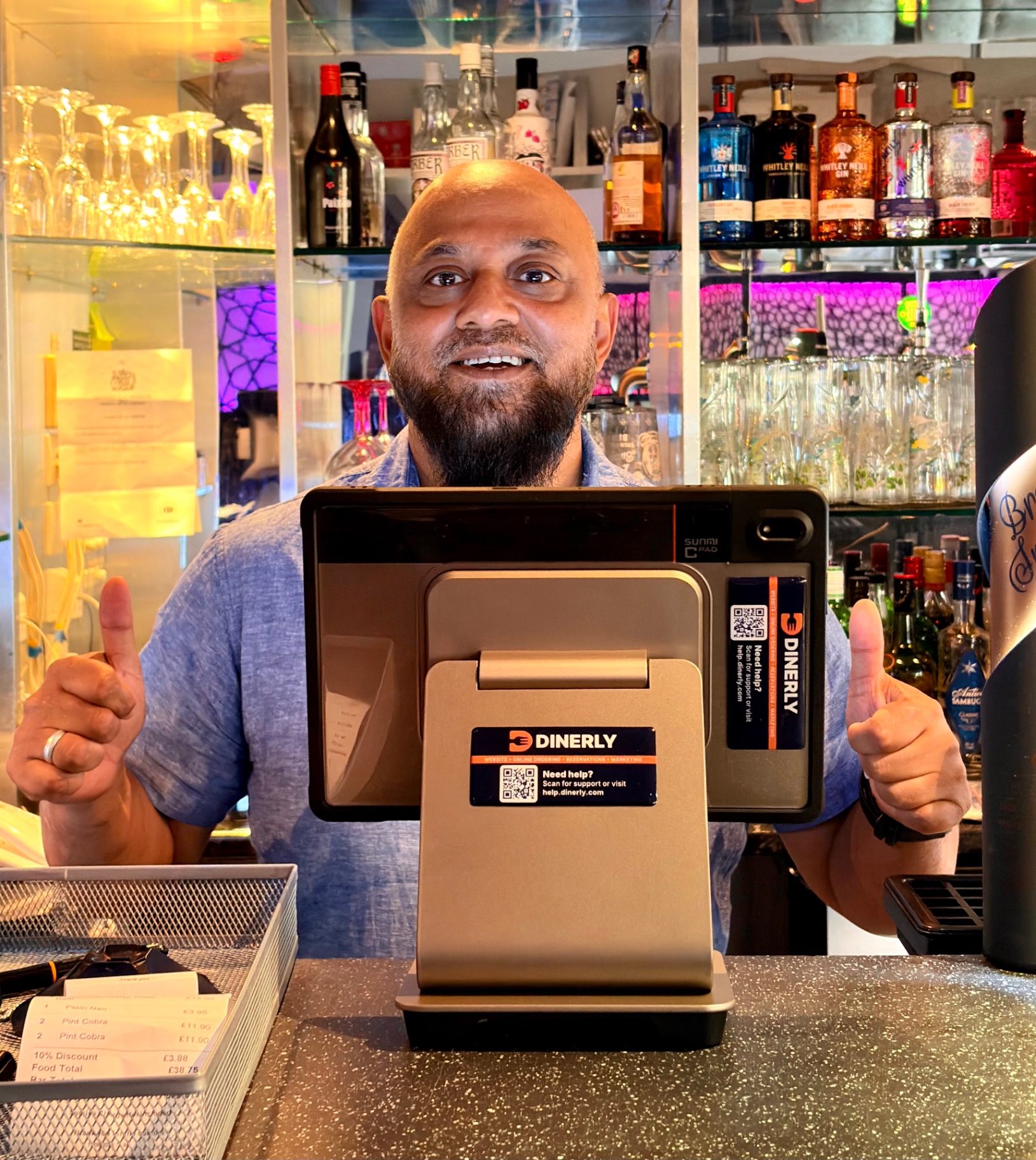
Sam M.
Founder · Cinnamon Lounge
I just uploaded my menu and logo, and the Dinerly team took care of everything. Our website looks amazing and customers use it every day.
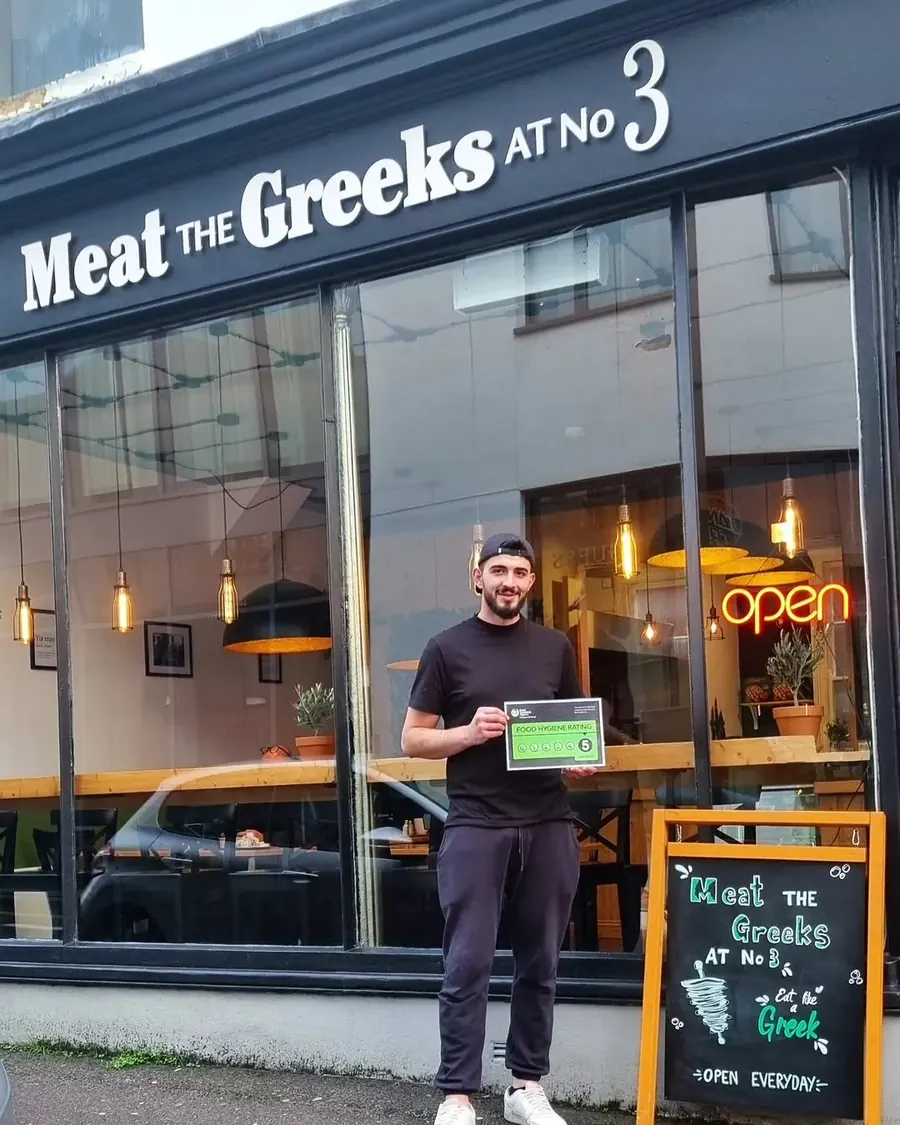
Tzoulian N.
Owner · Meat The Greeks
We waited four months for a website from another company. Tired of waiting, we switched — Dinerly had us live in just two days. And they did a smashing job.
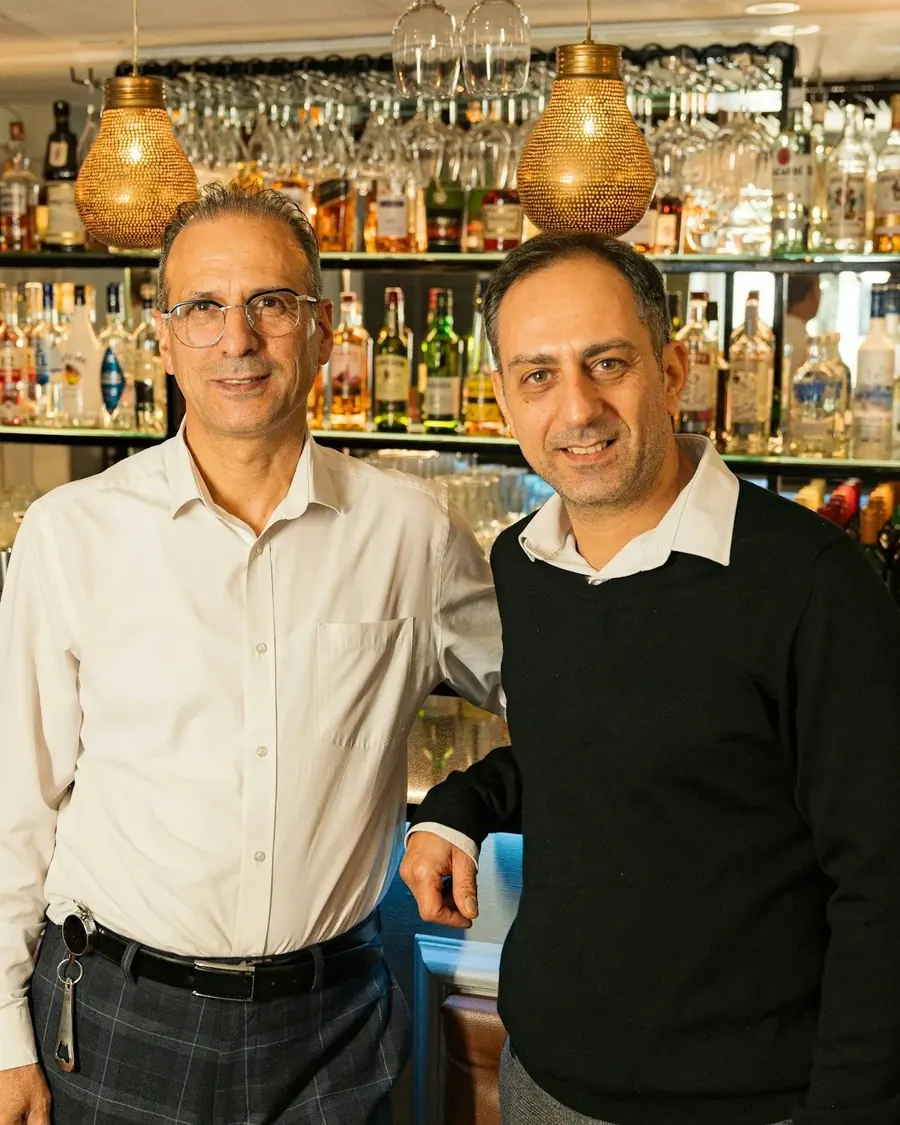
Savvas D.
Co-owner · The Agora
The team is so helpful whenever we need website updates, and the table reservation management makes it easy to sort out our bookings on busy nights.
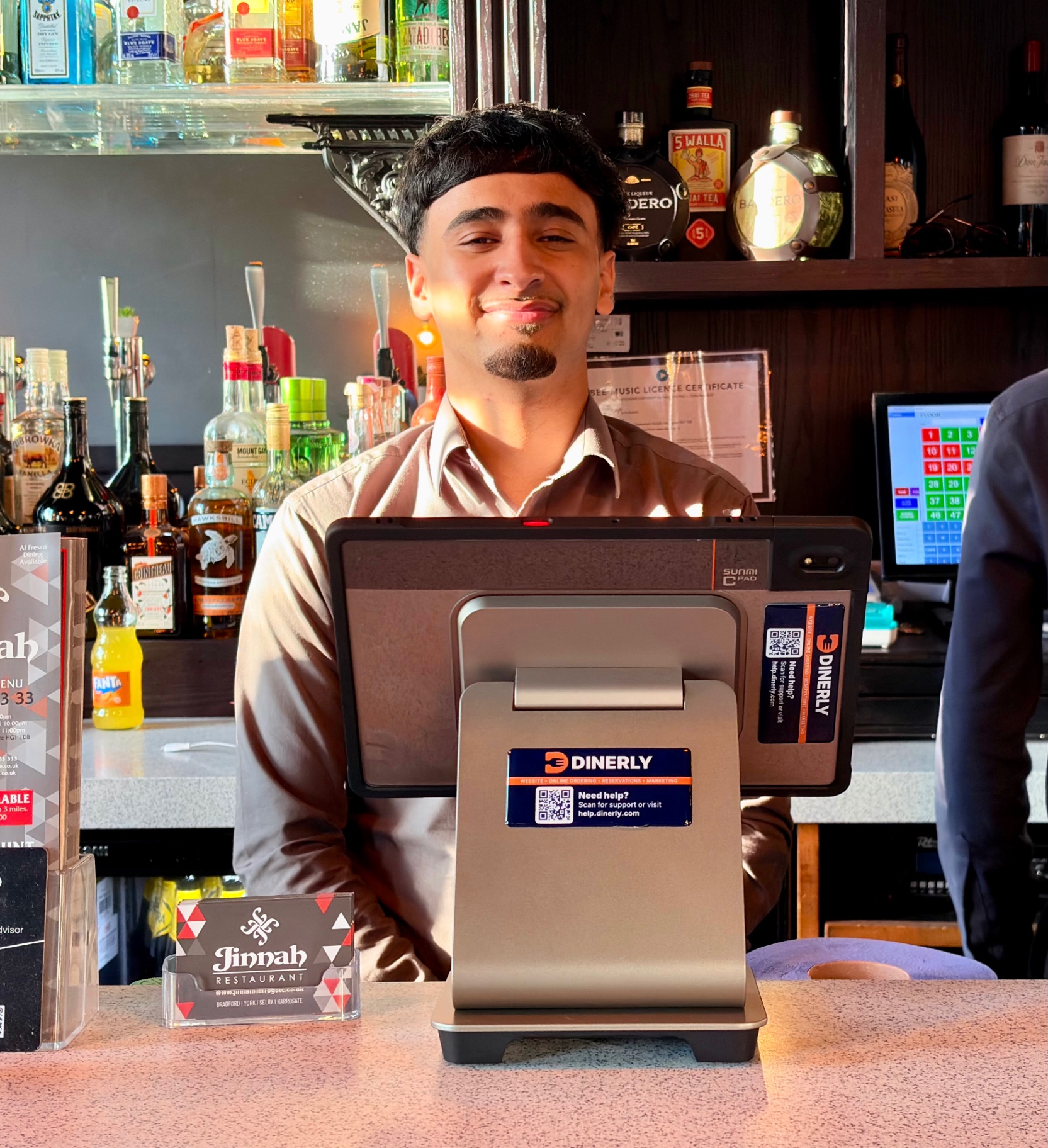
Faris K.
Owner · Jinnah Harrogate
The automatic SMS reminders and smart review system are game-changers. We get more bookings, fewer no-shows, and loads of 5-star reviews.
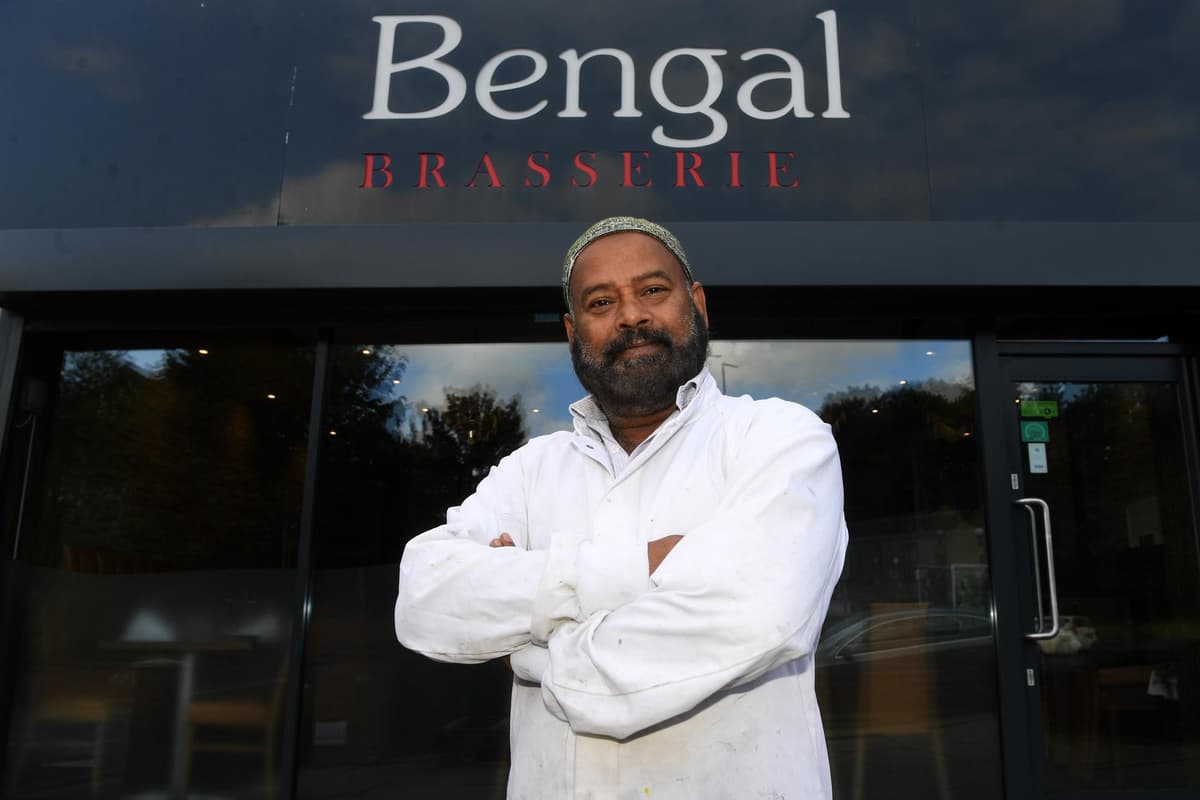
Shayasta M.
Manager · Bengal Brasserie
It handles our bookings, reviews, and orders while we focus on the food. I've never seen a system so hands-off.
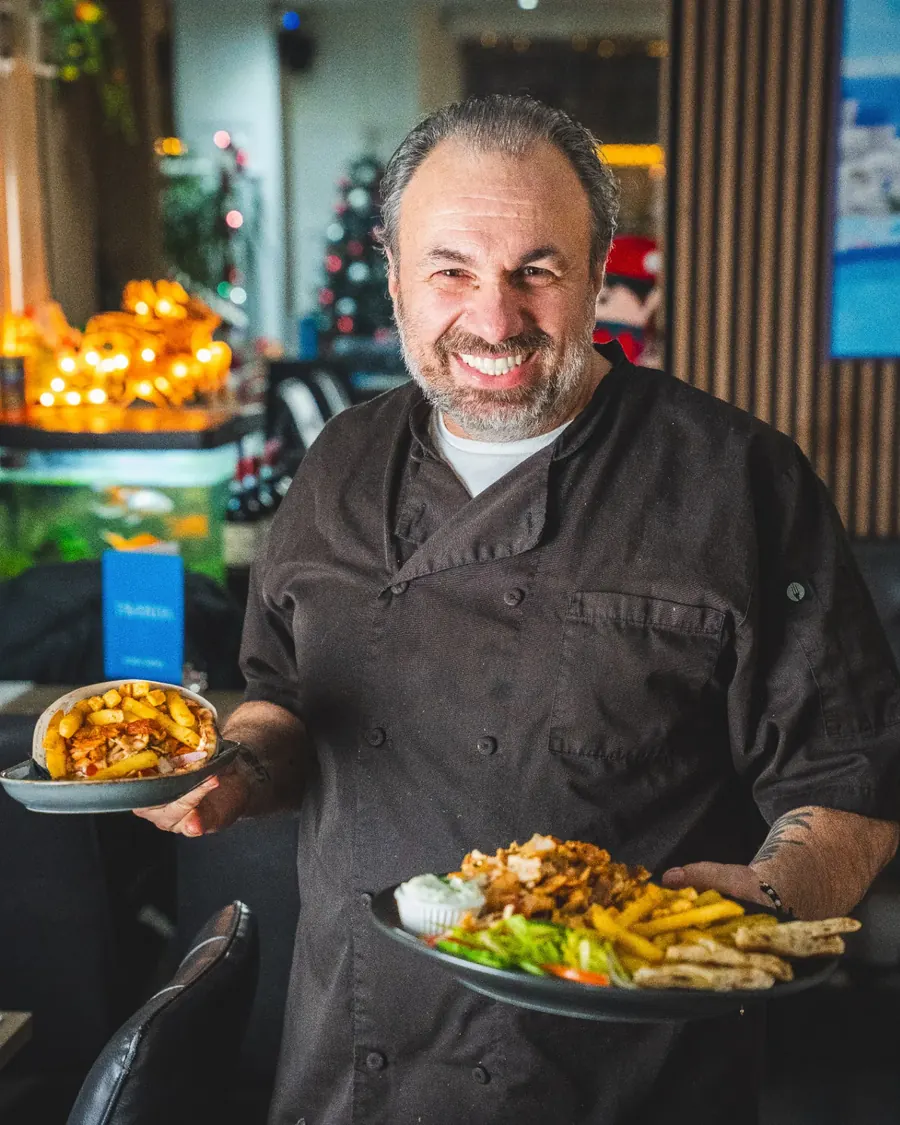
Erjon B.
Co-founder · Taverna Harrogate
Dinerly gave us everything in one platform, online orders, reservations, marketing, loyalty. It just works. And the AI tips? Life-changing! We have increased our profit by +10% since we started implementing the tips.
Sam M.
Founder · Cinnamon Lounge
I just uploaded my menu and logo, and the Dinerly team took care of everything. Our website looks amazing and customers use it every day.
Tzoulian N.
Owner · Meat The Greeks
We waited four months for a website from another company. Tired of waiting, we switched — Dinerly had us live in just two days. And they did a smashing job.
Savvas D.
Co-owner · The Agora
The team is so helpful whenever we need website updates, and the table reservation management makes it easy to sort out our bookings on busy nights.
Faris K.
Owner · Jinnah Harrogate
The automatic SMS reminders and smart review system are game-changers. We get more bookings, fewer no-shows, and loads of 5-star reviews.
Shayasta M.
Manager · Bengal Brasserie
It handles our bookings, reviews, and orders while we focus on the food. I've never seen a system so hands-off.
Erjon B.
Co-founder · Taverna Harrogate
Dinerly gave us everything in one platform, online orders, reservations, marketing, loyalty. It just works. And the AI tips? Life-changing! We have increased our profit by +10% since we started implementing the tips.
Sam M.
Founder · Cinnamon Lounge
I just uploaded my menu and logo, and the Dinerly team took care of everything. Our website looks amazing and customers use it every day.
Tzoulian N.
Owner · Meat The Greeks
We waited four months for a website from another company. Tired of waiting, we switched — Dinerly had us live in just two days. And they did a smashing job.
Savvas D.
Co-owner · The Agora
The team is so helpful whenever we need website updates, and the table reservation management makes it easy to sort out our bookings on busy nights.
Faris K.
Owner · Jinnah Harrogate
The automatic SMS reminders and smart review system are game-changers. We get more bookings, fewer no-shows, and loads of 5-star reviews.
Shayasta M.
Manager · Bengal Brasserie
It handles our bookings, reviews, and orders while we focus on the food. I've never seen a system so hands-off.
Erjon B.
Co-founder · Taverna Harrogate
Dinerly gave us everything in one platform, online orders, reservations, marketing, loyalty. It just works. And the AI tips? Life-changing! We have increased our profit by +10% since we started implementing the tips.
Getting started
Let us do everything for you.
Step 1 of 3
We only take on 10 new restaurants a month.
We set up every restaurant ourselves, so we can only take on a few at a time. If you're interested, have a chat with us to see if we can help you.
Questions owners ask us.
Do I need to be good with computers?
No. If you can use WhatsApp, you can use Dinerly. And if you'd rather not, ring us and we'll do it.
I already have a website. What happens to it?
We'll look at it first and tell you honestly what's worth keeping. Then you decide.
Do I need to buy a tablet or printer?
The kit comes from us. Every restaurant gets a Dinerly kitchen printer, and Ultra includes a tablet too. It's covered by a one-off setup fee, which is free if you pay annually.
How much does it cost?
A simple monthly fee, with no commission on top. You can see every plan on our pricing page. See pricing