Dinerly POS
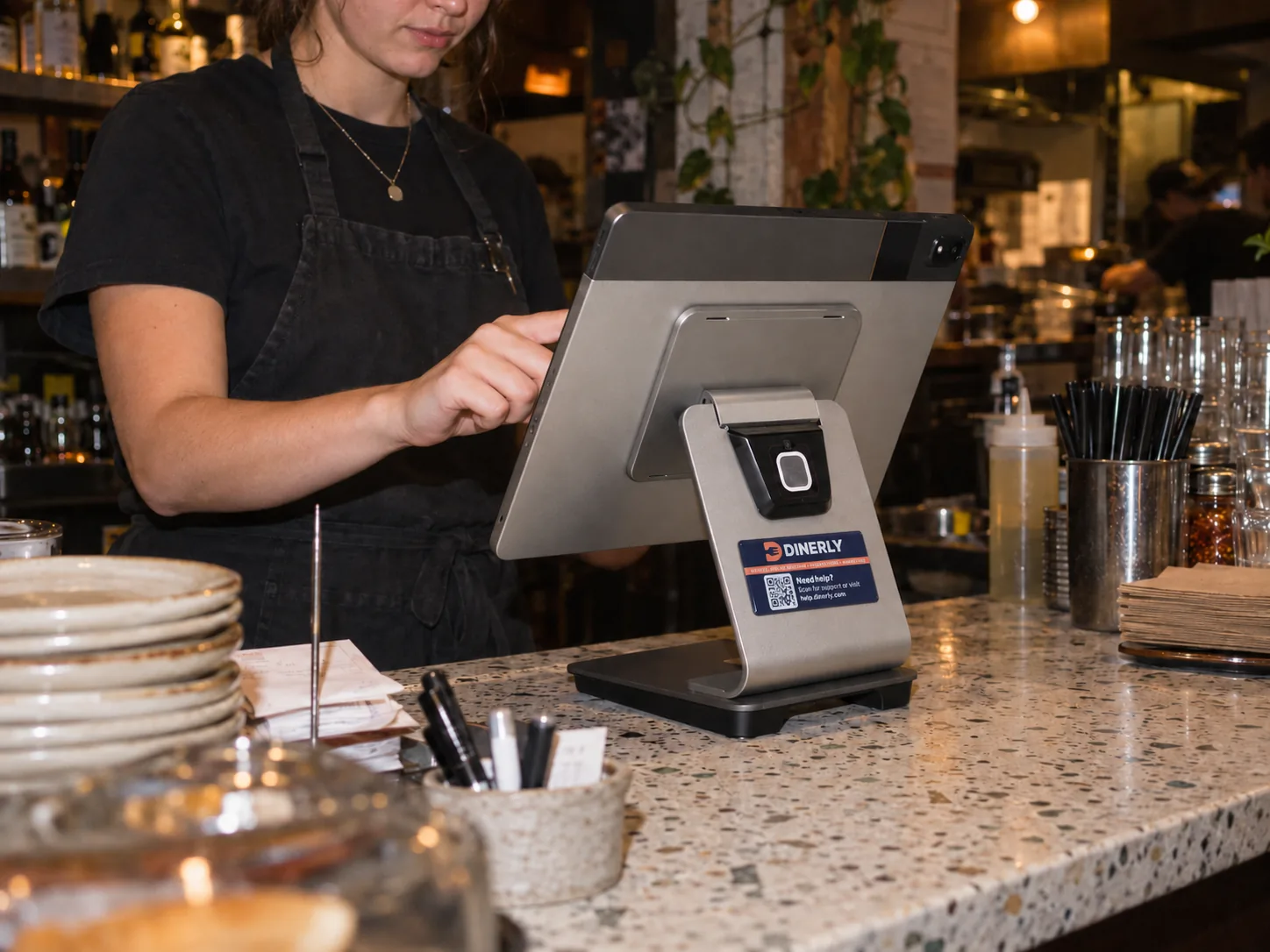
A till that does more than take the money.
Orders from the counter, the phone and your website. Bookings, customers, loyalty and gift cards. All on one screen, and every part helps the others.
Margherita Pizza · 12"
£12.00Pepperoni Feast
£15.50Extra Cheese, Double Pepperoni
BBQ Chicken · 14"
£16.5001 — One screen
Every order lands in one place.
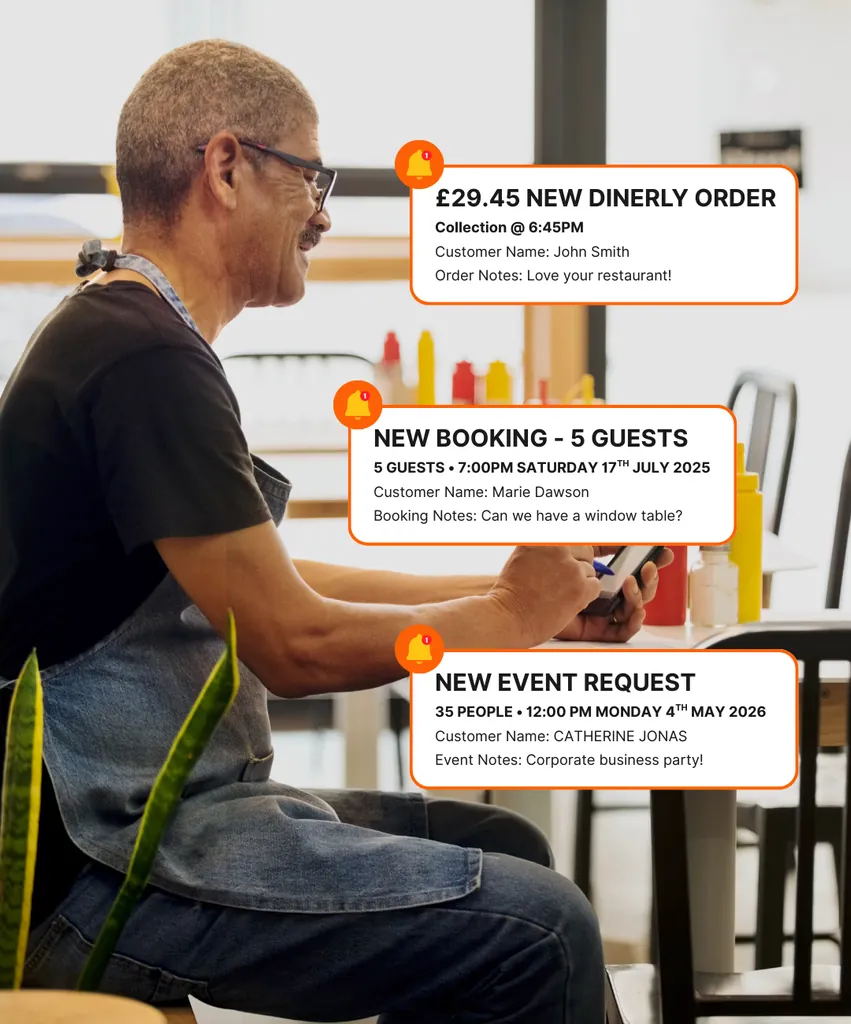
Walk-ins, phone orders, collection and delivery from your website, and table bookings. No more juggling tablets and no more orders sitting unseen.
- Website orders drop straight onto the till
- Bookings sit right next to your orders
- Pause online orders with one tap when the kitchen is slammed
- Keeps taking orders even if the wifi drops
02 — Kitchen and bar
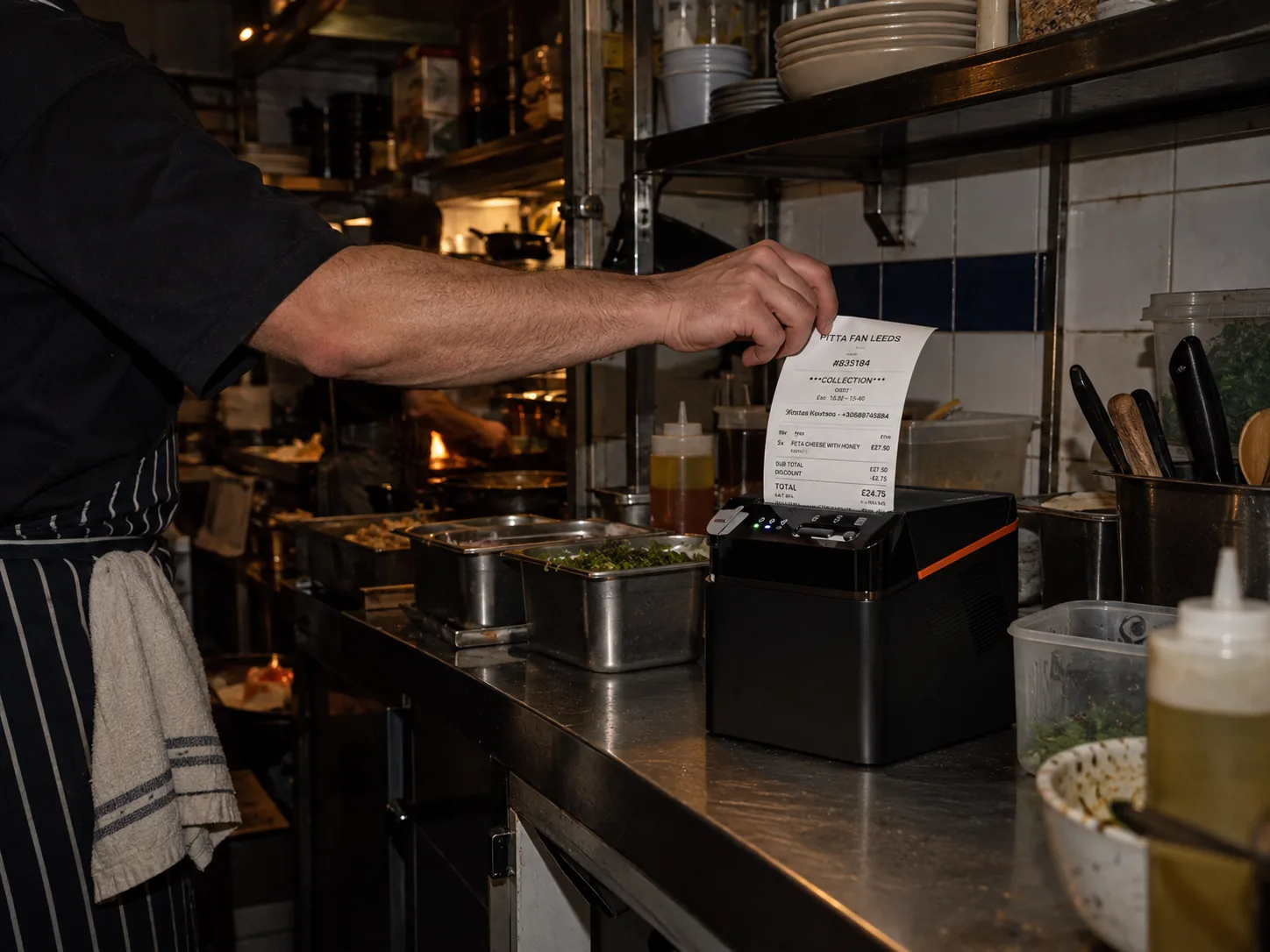
The right ticket, to the right place, at the right time.
Food prints in the kitchen, drinks print at the bar. Starters go first and mains follow when the table is ready. "No onions" prints exactly where the chef will see it.
- Separate tickets for the kitchen and the bar
- Send each course when you're ready
- Extras and changes on every ticket
03 — Your customers
The till finally knows who your customers are.
Every online order and booking adds the customer to your list automatically, and you can add anyone at the till in seconds. Name, number, what they had, when they were last in. That's the list your marketing goes out to.
- Customer list builds itself
- See their history the moment they order
- Send them offers in a couple of taps
Μαρίνα Προκοπίου
1 res · 2 orders · £55.85
Κώστας Κούκος
0 res · 1 orders · £30.00
Άννα Ραχμάν
3 res · 5 orders · £214.40
Γιάννης Ομπράιαν
2 res · 4 orders · £128.10
04 — Loyalty and gift cards
Loyalty and gift cards that work at the till.
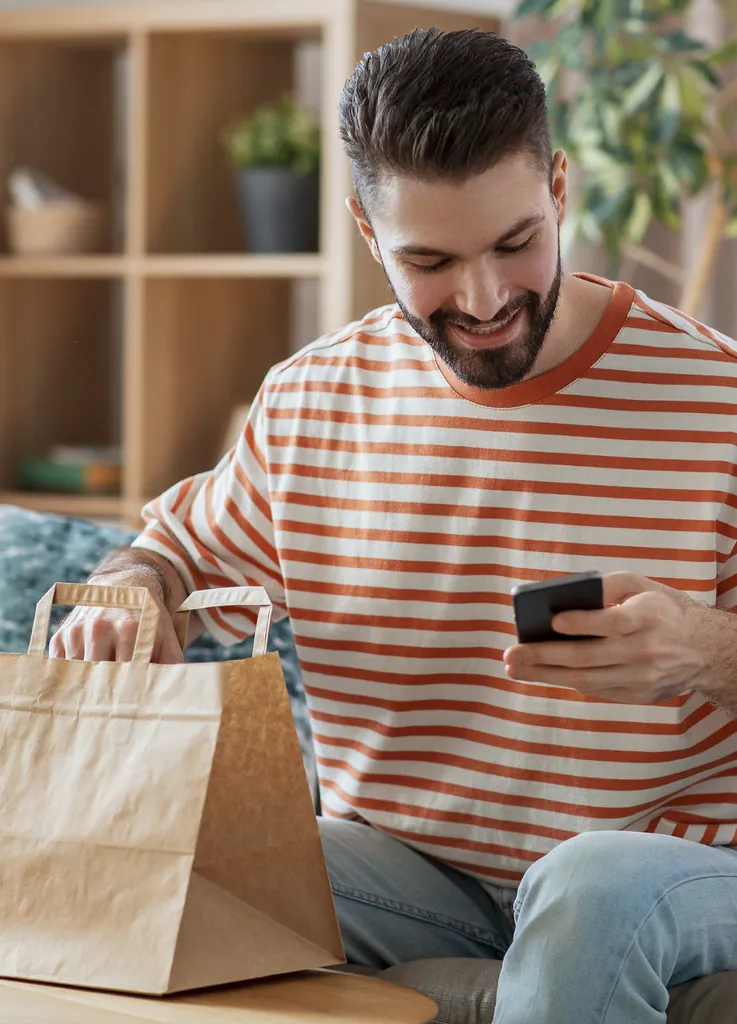
Stamps go on when they pay and rewards come off at the till. Gift cards bought on your website get redeemed right there. Nobody has to keep a paper card in their wallet.
- Loyalty tracked on every sale
- Gift cards redeemed at the till
- Nothing for staff to remember
05 — Your numbers
Know how you did before you lock up.
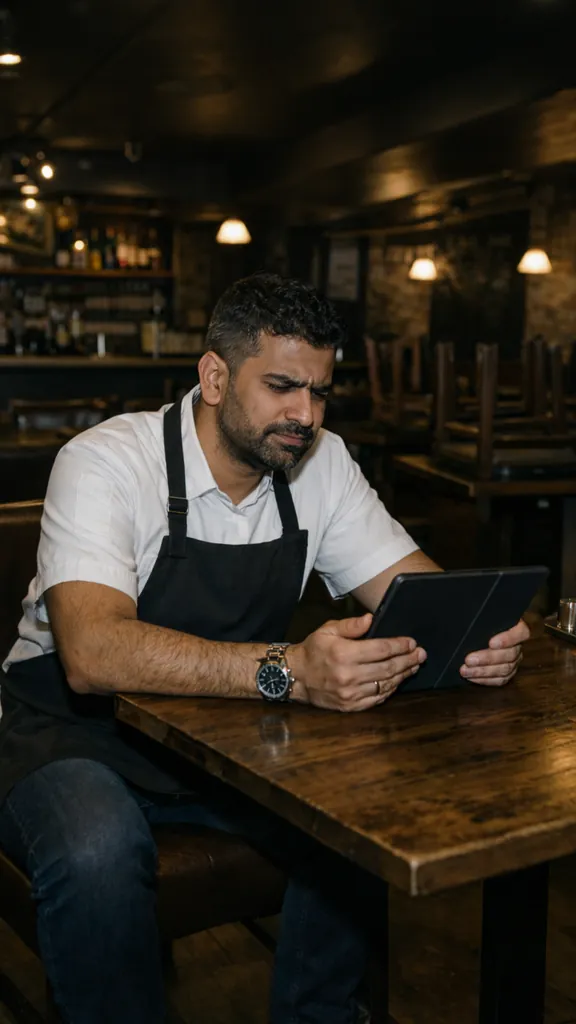
Today's takings, this week, last month. What sold and what didn't. Check it on your phone, wherever you are, without waiting for anyone to send you a spreadsheet.
- Sales report in a couple of taps
- Cash up drawer by drawer
- See your best and worst sellers
Example figures
06 — Staying in control
You're in control, even when you're not there.
Every member of staff has their own PIN, so you always know who did what. Voids and refunds need a reason. Run out of something? Take it off the till and it comes off your website too.
- A PIN for every member of staff
- A reason for every void
- Sold out on the till means sold out online
The kit
It arrives set up. Plug it in and go.
Dinerly POS comes with the Ultra plan, and so does the kit: the tablet, the stand and a brand-new kitchen printer. We load your menu, set everything up and test it before it gets to you.
- Your menu loaded by us
- Tablet, stand and kitchen printer included
- Everything brand new and tested
- Ring us any time and speak to a real person
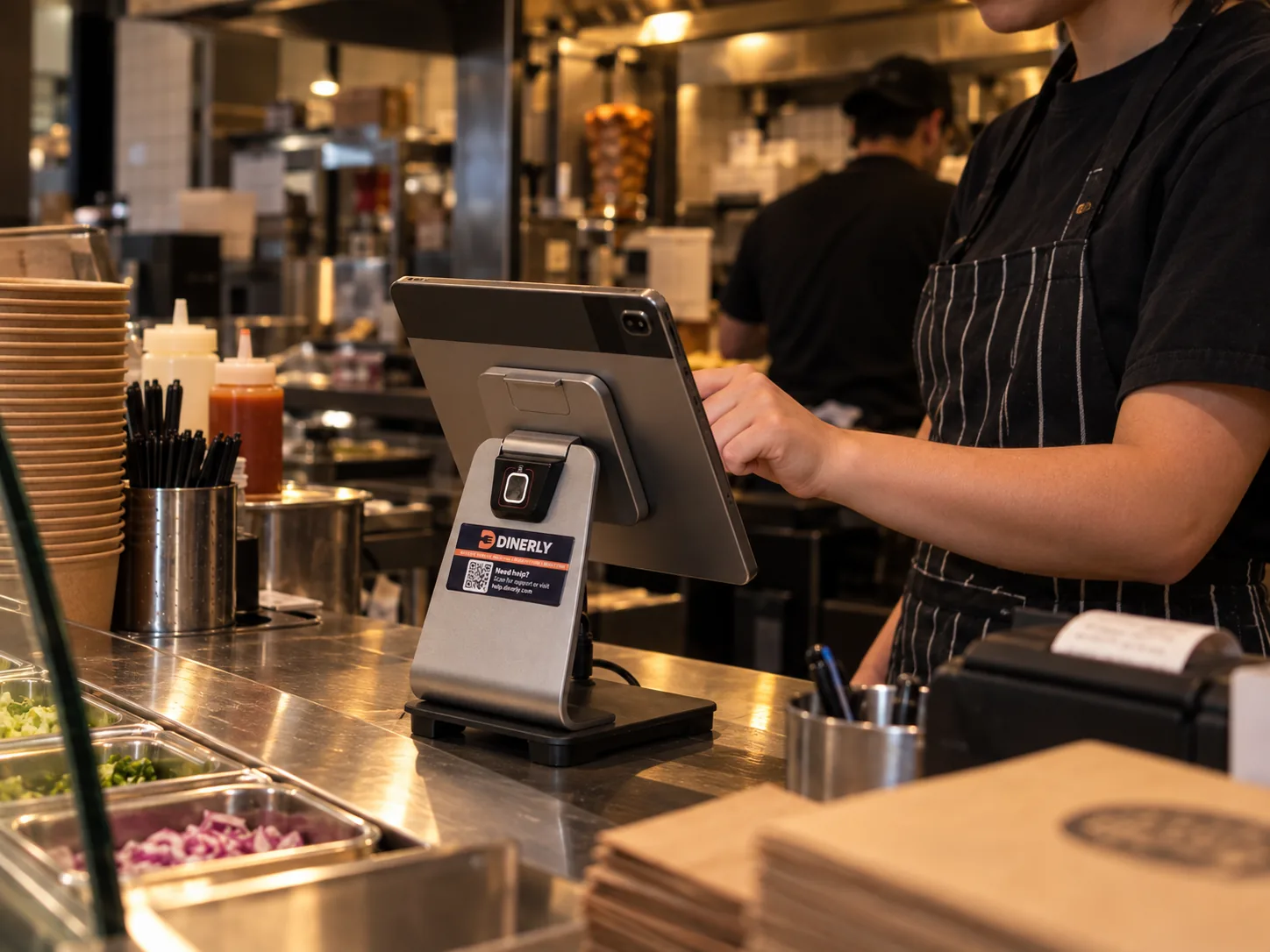
Already on Dinerly
Already running on Dinerly POS.
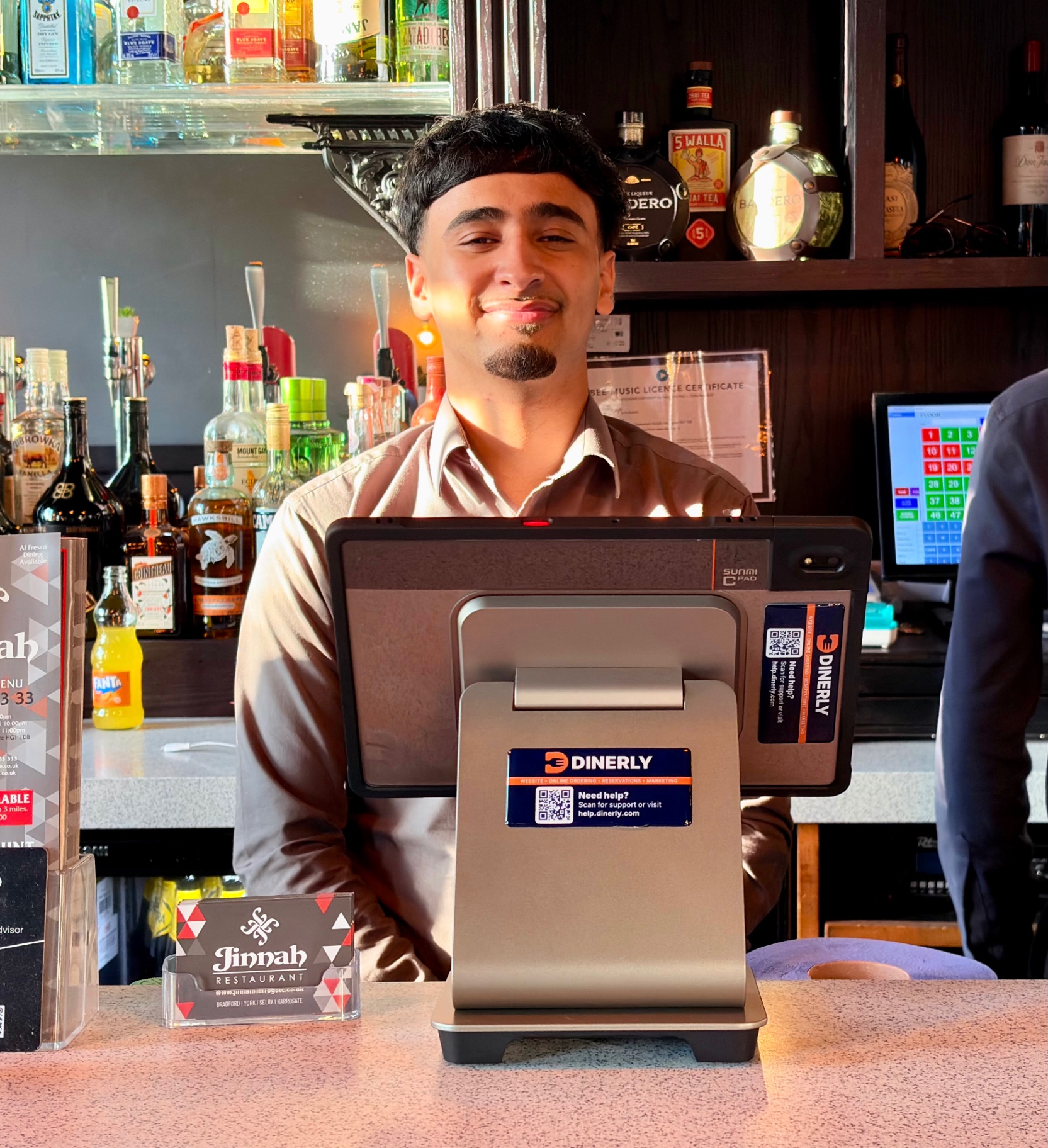
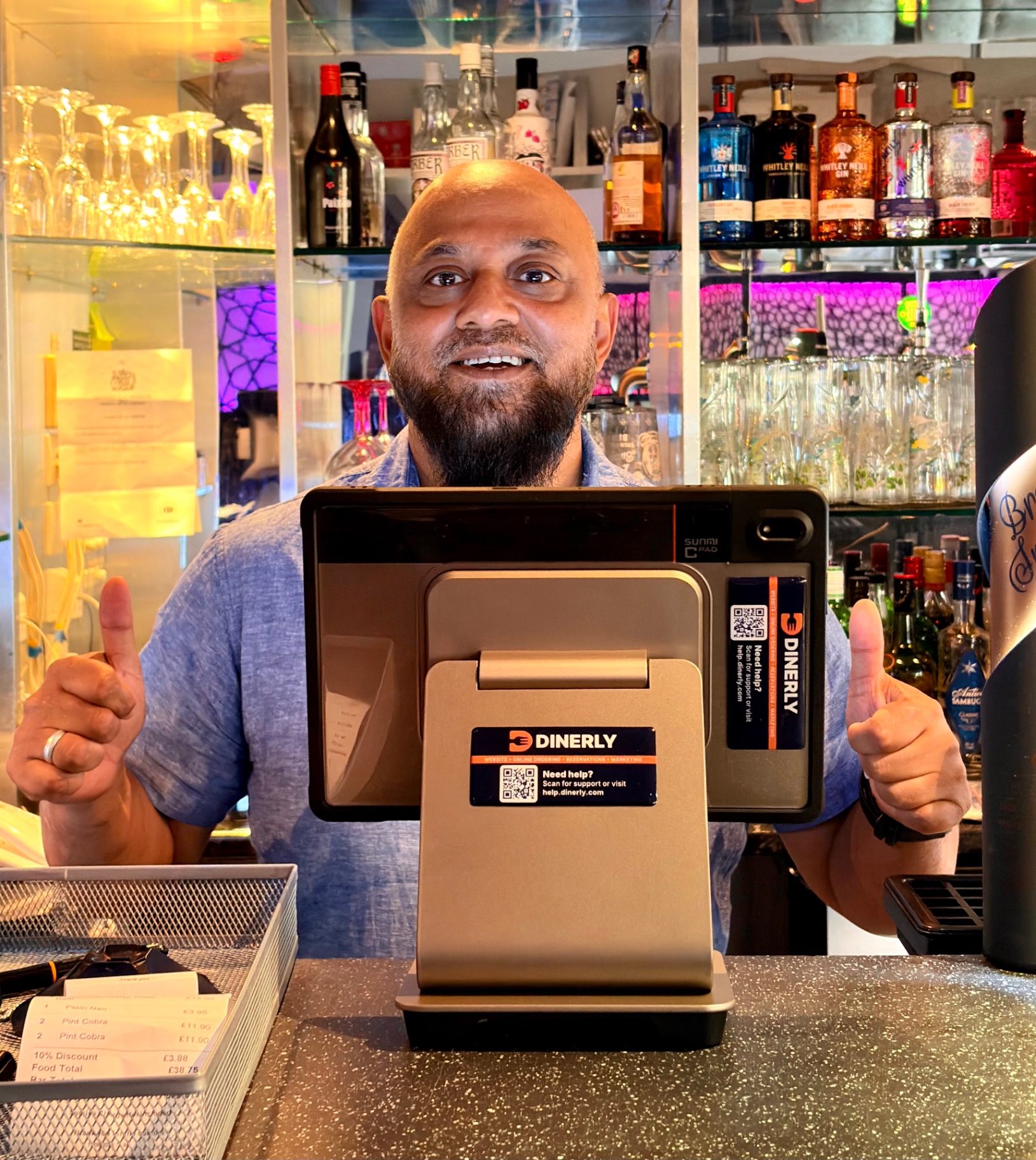
Side by side
Your old till vs Dinerly.
What Our Customers Say
Sam M.
Founder · Cinnamon Lounge
I just uploaded my menu and logo, and the Dinerly team took care of everything. Our website looks amazing and customers use it every day.
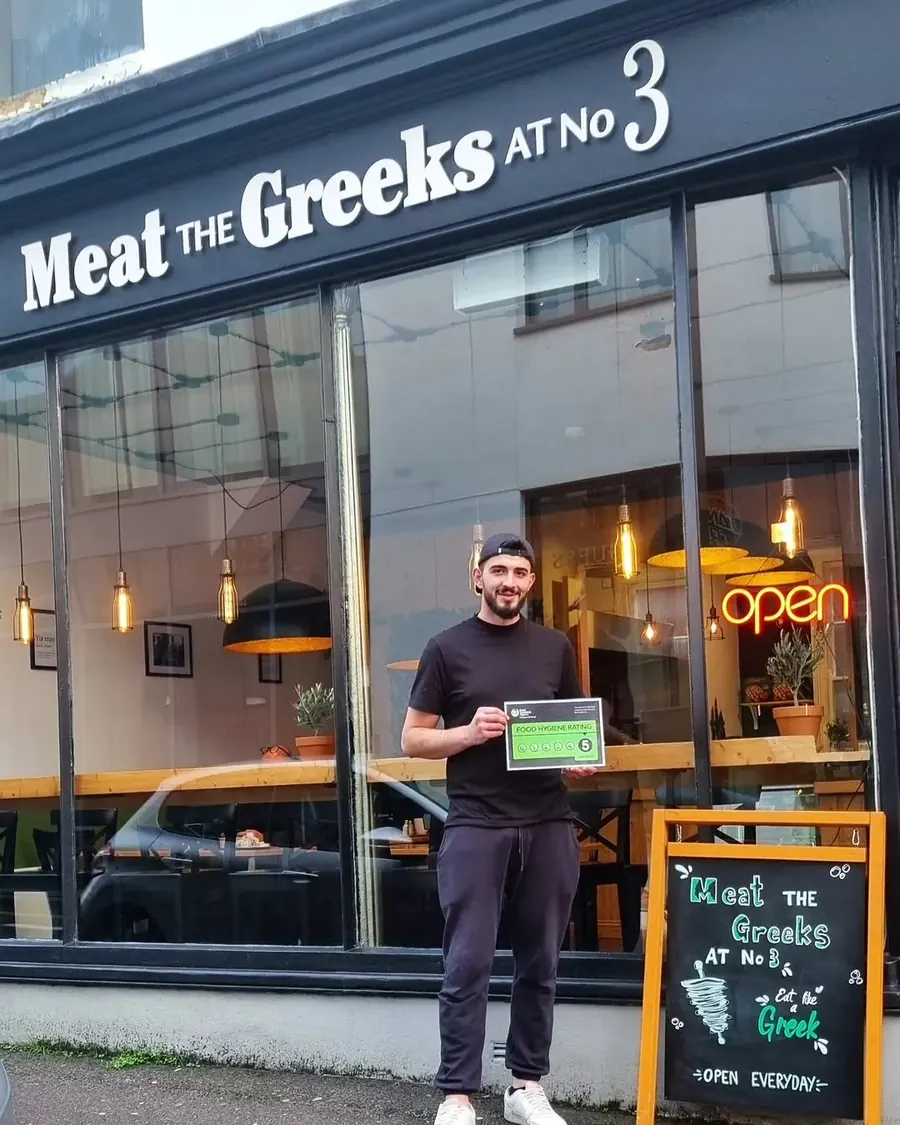
Tzoulian N.
Owner · Meat The Greeks
We waited four months for a website from another company. Tired of waiting, we switched — Dinerly had us live in just two days. And they did a smashing job.
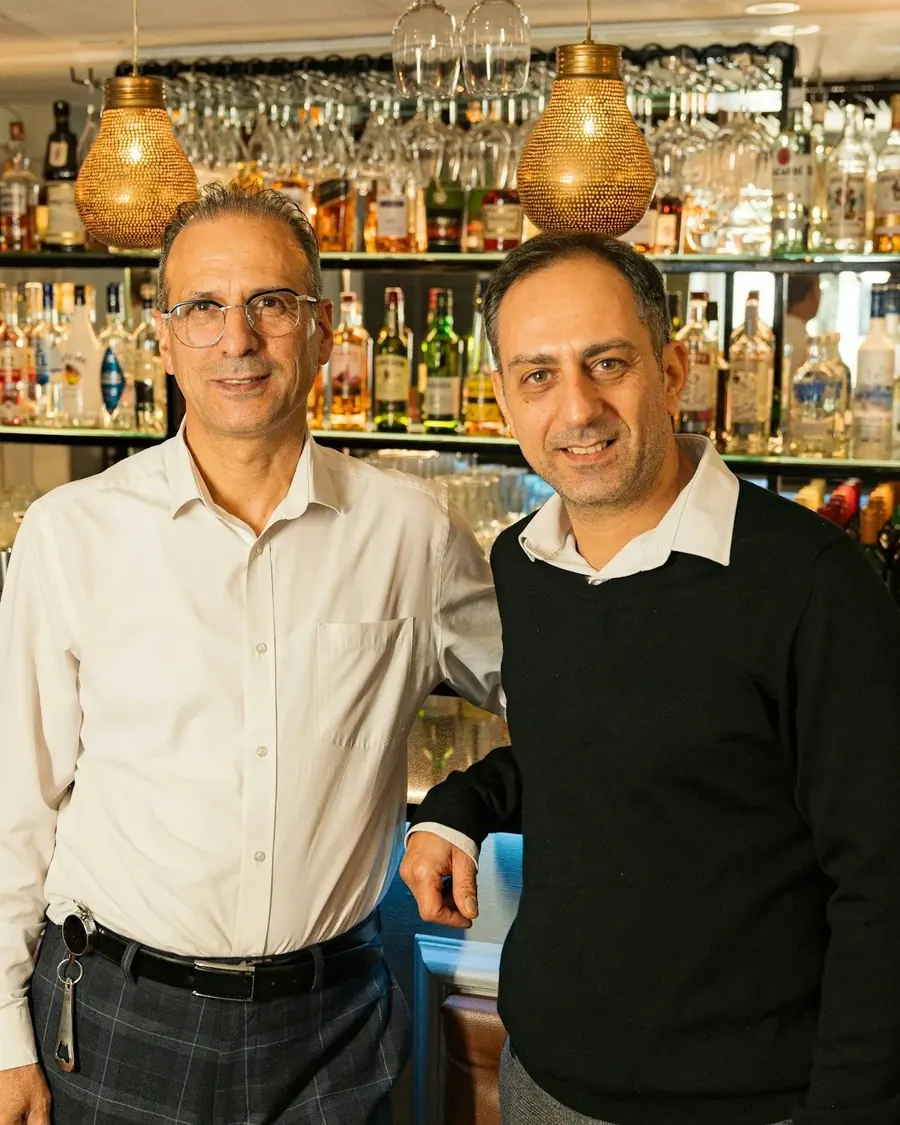
Savvas D.
Co-owner · The Agora
The team is so helpful whenever we need website updates, and the table reservation management makes it easy to sort out our bookings on busy nights.
Faris K.
Owner · Jinnah Harrogate
The automatic SMS reminders and smart review system are game-changers. We get more bookings, fewer no-shows, and loads of 5-star reviews.
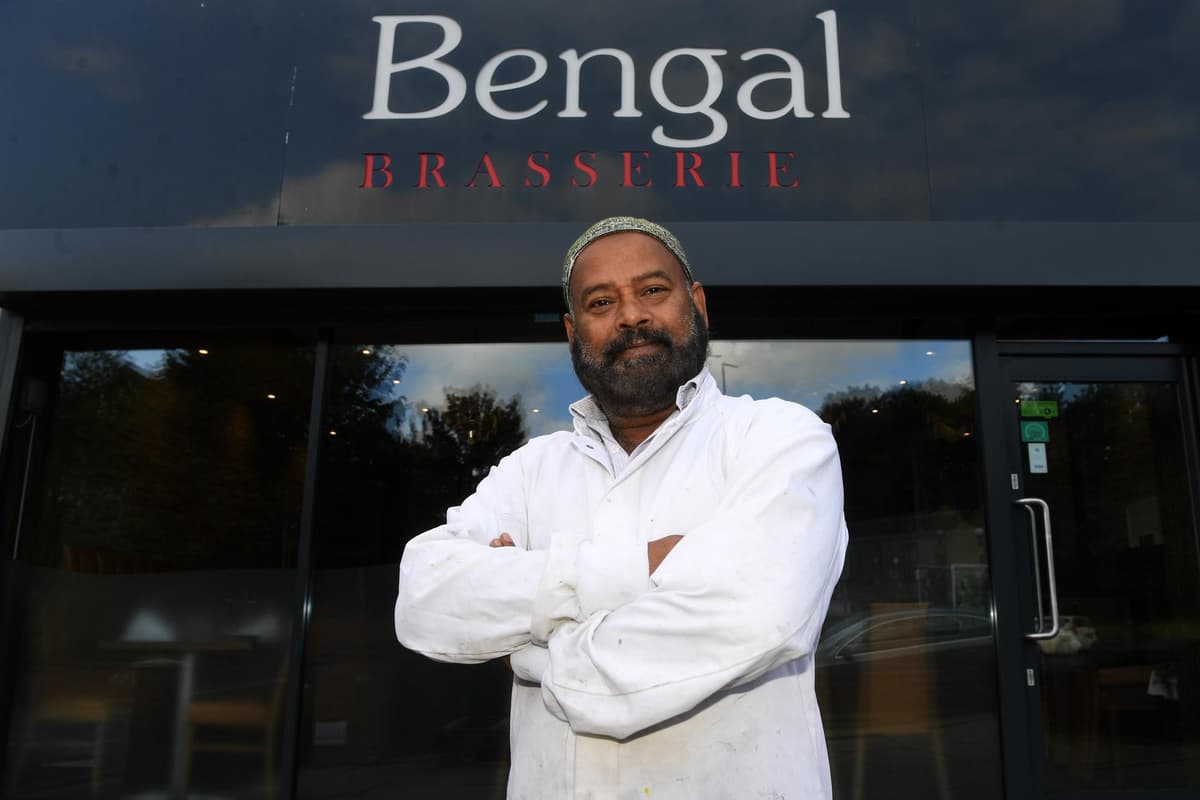
Shayasta M.
Manager · Bengal Brasserie
It handles our bookings, reviews, and orders while we focus on the food. I've never seen a system so hands-off.
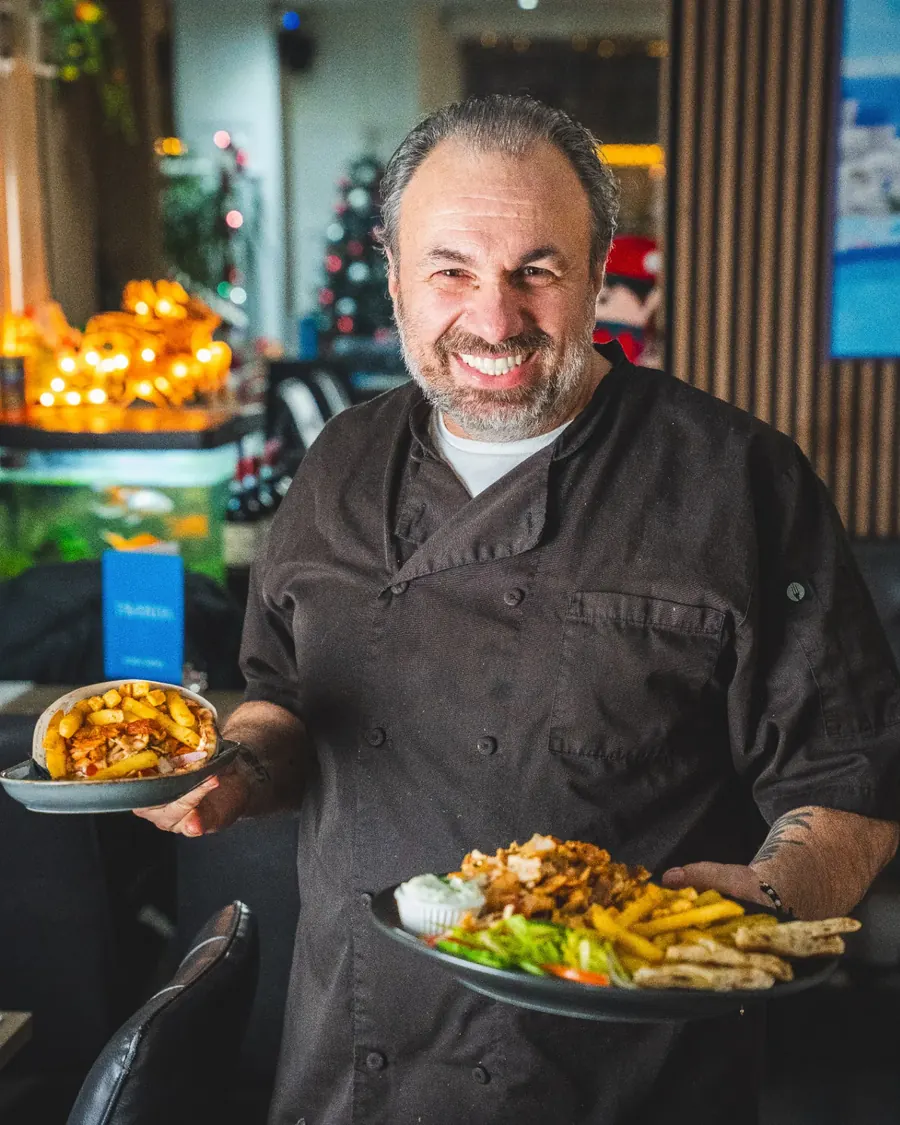
Erjon B.
Co-founder · Taverna Harrogate
Dinerly gave us everything in one platform, online orders, reservations, marketing, loyalty. It just works. And the AI tips? Life-changing! We have increased our profit by +10% since we started implementing the tips.
Sam M.
Founder · Cinnamon Lounge
I just uploaded my menu and logo, and the Dinerly team took care of everything. Our website looks amazing and customers use it every day.
Tzoulian N.
Owner · Meat The Greeks
We waited four months for a website from another company. Tired of waiting, we switched — Dinerly had us live in just two days. And they did a smashing job.
Savvas D.
Co-owner · The Agora
The team is so helpful whenever we need website updates, and the table reservation management makes it easy to sort out our bookings on busy nights.
Faris K.
Owner · Jinnah Harrogate
The automatic SMS reminders and smart review system are game-changers. We get more bookings, fewer no-shows, and loads of 5-star reviews.
Shayasta M.
Manager · Bengal Brasserie
It handles our bookings, reviews, and orders while we focus on the food. I've never seen a system so hands-off.
Erjon B.
Co-founder · Taverna Harrogate
Dinerly gave us everything in one platform, online orders, reservations, marketing, loyalty. It just works. And the AI tips? Life-changing! We have increased our profit by +10% since we started implementing the tips.
Sam M.
Founder · Cinnamon Lounge
I just uploaded my menu and logo, and the Dinerly team took care of everything. Our website looks amazing and customers use it every day.
Tzoulian N.
Owner · Meat The Greeks
We waited four months for a website from another company. Tired of waiting, we switched — Dinerly had us live in just two days. And they did a smashing job.
Savvas D.
Co-owner · The Agora
The team is so helpful whenever we need website updates, and the table reservation management makes it easy to sort out our bookings on busy nights.
Faris K.
Owner · Jinnah Harrogate
The automatic SMS reminders and smart review system are game-changers. We get more bookings, fewer no-shows, and loads of 5-star reviews.
Shayasta M.
Manager · Bengal Brasserie
It handles our bookings, reviews, and orders while we focus on the food. I've never seen a system so hands-off.
Erjon B.
Co-founder · Taverna Harrogate
Dinerly gave us everything in one platform, online orders, reservations, marketing, loyalty. It just works. And the AI tips? Life-changing! We have increased our profit by +10% since we started implementing the tips.
Getting started
Let us do everything for you.
Step 1 of 3
We only take on 10 new restaurants a month.
We set up every restaurant ourselves, so we can only take on a few at a time. If you're interested, have a chat with us to see if we can help you.
Questions owners ask us.
Do I need to be good with computers?
No. If you can use WhatsApp, you can use Dinerly. And if you'd rather not, ring us and we'll do it.
I already have a website. What happens to it?
We'll look at it first and tell you honestly what's worth keeping. Then you decide.
Do I need to buy a tablet or printer?
The kit comes from us. Every restaurant gets a Dinerly kitchen printer, and Ultra includes a tablet too. It's covered by a one-off setup fee, which is free if you pay annually.
How much does it cost?
A simple monthly fee, with no commission on top. You can see every plan on our pricing page. See pricing