For pubs
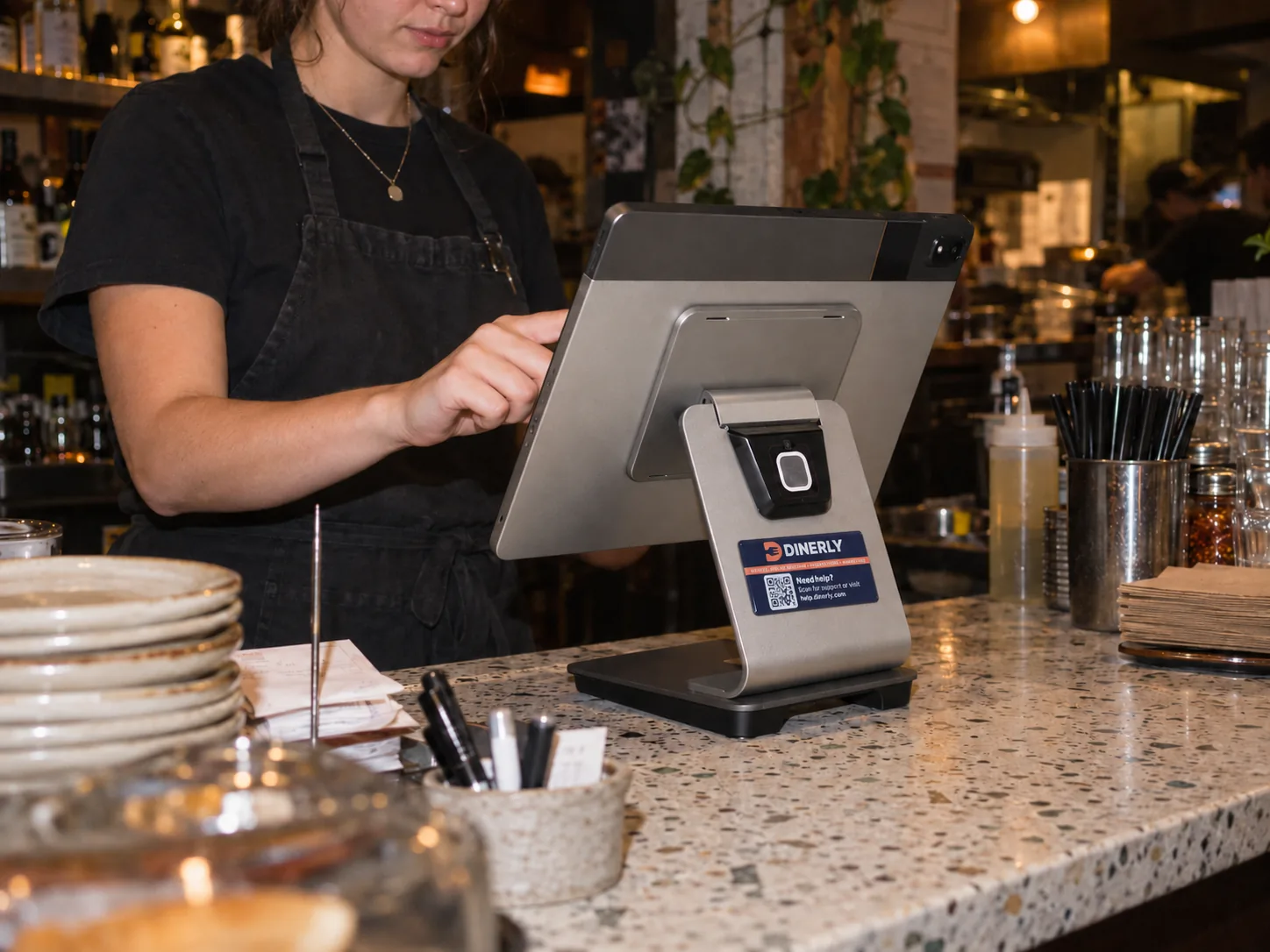
Tabs, tables and food, all on one till.
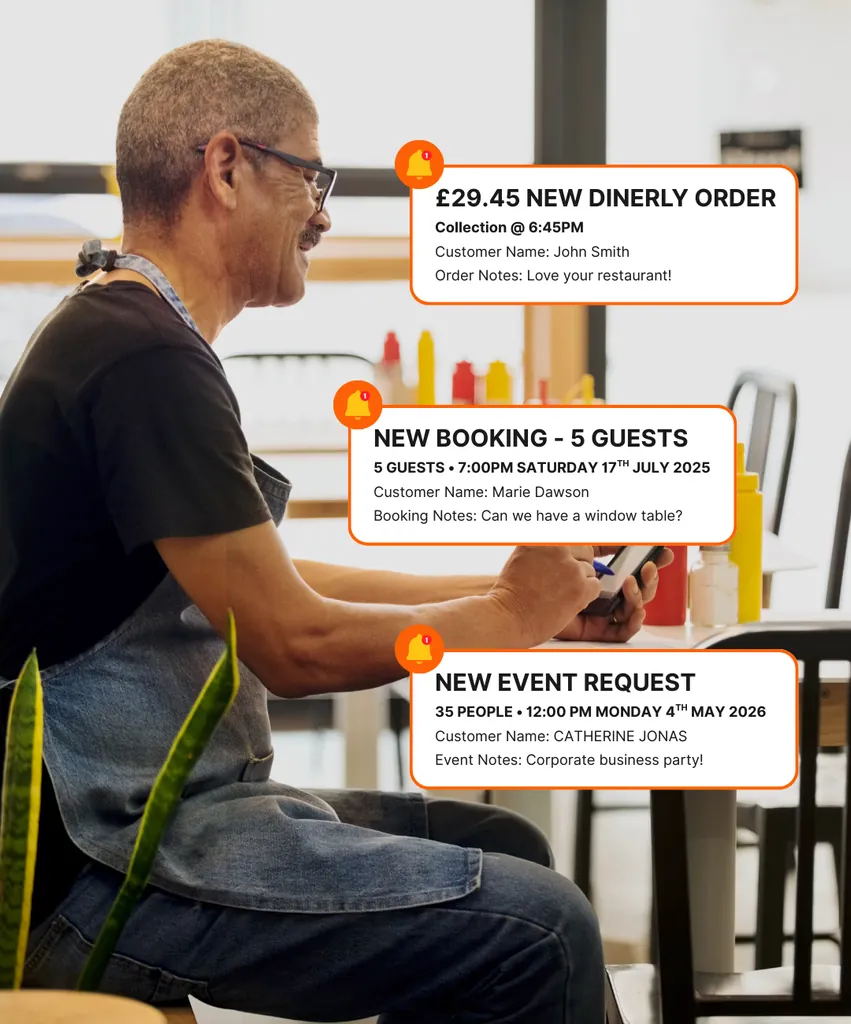
Open a tab at the bar and keep adding to it all night. Food orders print in the kitchen, tables are booked online for Sunday lunch and big nights out, and quiz nights get promoted without you lifting a finger.

Sound familiar?
Friday night at the bar, and three things go wrong at once.
Someone wants to settle up, and nobody can remember what's on their tab.
A food order is shouted through to the kitchen, and the table waits forty minutes.
Sunday lunch is fully booked in a paper diary that only one person can read.
01 — Open tabs
Tabs that stay open all night.
Open a tab for a customer or a table and keep adding rounds as the night goes on. When they're ready to go, the whole tab is there, item by item, so there's no guessing and no arguing at the bar.
- Open a tab for a person or a table
- Add every round as it's poured
- Every item listed when they settle up
02 — Bar and kitchen
Pints at the bar, food in the kitchen.
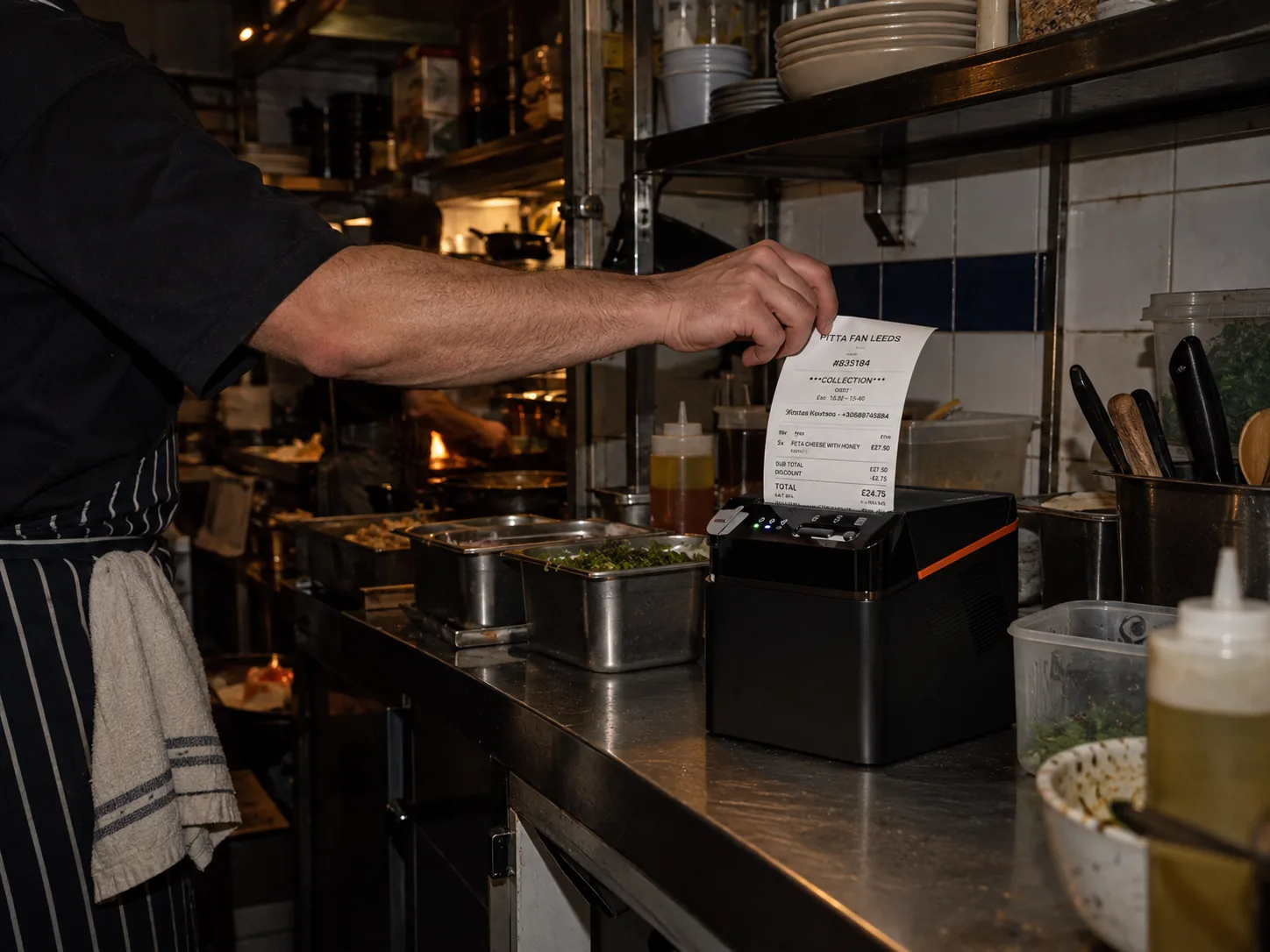
Drinks and food go through the same till. Food orders print in the kitchen the moment they're taken, with the table number on the ticket, so nobody runs back and forth with bits of paper.
- Drinks and food on the same till
- Food orders printed in the kitchen
- Table number on every ticket
03 — Table bookings
Sunday lunch booked without the phone ringing.
Customers book online for Sunday lunch, birthdays and big nights out, with live availability. Set your sittings and how long each table is held, so you can fit in two Sunday lunch sittings without double-booking.
- Online bookings, day and night
- Sittings and table times set by you
- Phone and walk-in bookings in the same diary

04 — Fewer no-shows
The table for twelve actually turns up.
Every booking gets a text reminder before the day, with a link to change or cancel. If a group can't make it, you hear in time to give the table to someone else.
- A text reminder before every booking
- Customers change or cancel in one tap
- Deposits for the bookings you choose
05 — Paying up
Groups split the bill however they like.
Take payment at the table or at the bar, and split the bill by person, by item or in equal shares. Cash or card, it all ends up on the same till.
- Split by person, by item or equally
- Pay at the table or at the bar
- Cash and card on the same till

06 — Events, done for you
Quiz nights and live music, promoted for you.
Tell us about your quiz night, live music or big match and we set up the emails and texts for you, along with Christmas, Mother's Day and birthdays. They go out on their own to customers who've been in before. You don't write, design or press send.
- Set up by us from day one
- Sent automatically, all year round
- Nothing for you to do
07 — Reviews
More five-star reviews, fewer bad ones.
After their visit, every customer who booked is asked how it went. Happy ones are sent to Google to leave a review, and unhappy ones tell you privately, so you can put it right before it goes public.
- A review request after every visit
- Happy customers sent to Google
- Complaints come to you first
08 — Gift cards
Gift cards for the bar and the Sunday roast.
Customers buy gift cards on your website for birthdays, Father's Day and Christmas. They're paid upfront, and spent at the till with the balance tracked for you.
- Sold on your website, day and night
- Paid for upfront
- Spent at the till, balance tracked for you
A Friday with Dinerly
A busy Friday, all on one till.
- 1
12pm
Lunch orders print in the kitchen with the table number. Three Sunday lunch bookings come in online.
- 2
5:30pm
The after-work crowd arrives. Tabs are opened at the bar and rounds added as they go.
- 3
8pm
Quiz night. The teams that booked after Tuesday's text are seated at their tables.
- 4
11pm
Tabs are settled and a table of eight splits the bill four ways. No arguments at the bar.
- 5
Next morning
Last night's bookings are asked for a review. Two new five-star reviews on Google.
Which plan
For pubs, we recommend Ultra.
Ultra includes everything on this page: the till with tabs and kitchen printing, bookings, reviews, marketing, loyalty and gift cards. We set it all up for you.
- Everything on this page, in one system
- Set up for you, ready to go
- Free setup when you pay yearly
- Expert support by WhatsApp, phone, SMS and email
Side by side
Paper tabs and a diary vs Dinerly.
Questions
Questions from pubs.
Can I open a tab and keep adding to it?
Yes. Open a tab for a customer or a table and keep adding to it all night. When they're ready to pay, every item is there.
Do food orders go to the kitchen?
Yes. Food orders taken on the till print in the kitchen straight away, with the table number on the ticket.
Can customers book tables online?
Yes. Customers book on your website with live availability, and you set your sittings and how long each table is held. Phone and walk-in bookings go in the same diary.
Can a group split the bill?
Yes. Split the bill by person, by item or in equal shares, and take payment at the table or at the bar.
Can you promote our quiz nights and events?
Yes. Tell us what's on and we set up the emails and texts for you. They go out automatically to customers who've been in before.
How does setting up work?
Send us your menu, your drinks list and your logo and we do the rest: we build your website, set up your till and bookings, and send your kit ready to go.
What if I need help?
Every plan comes with expert support by WhatsApp, phone, SMS and email.
What Our Customers Say
Sam M.
Founder · Cinnamon Lounge
I just uploaded my menu and logo, and the Dinerly team took care of everything. Our website looks amazing and customers use it every day.
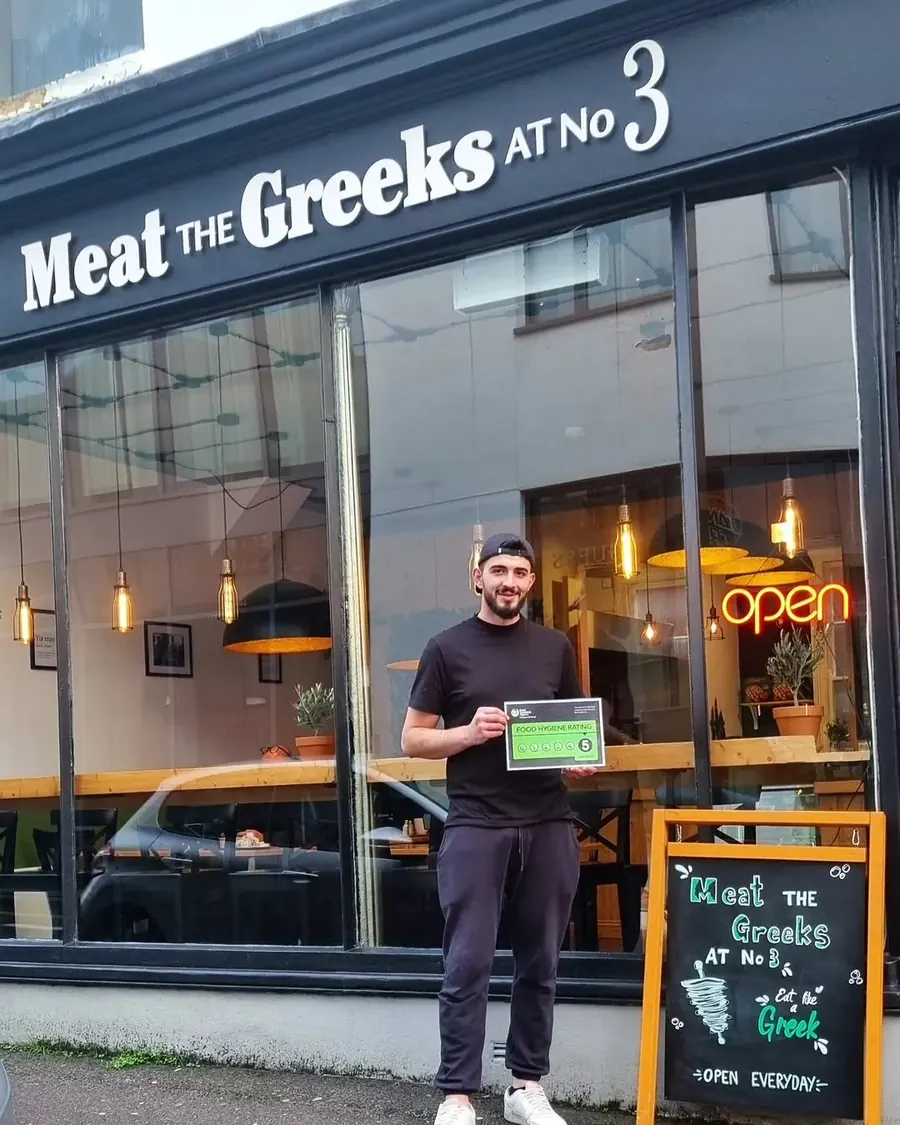
Tzoulian N.
Owner · Meat The Greeks
We waited four months for a website from another company. Tired of waiting, we switched — Dinerly had us live in just two days. And they did a smashing job.
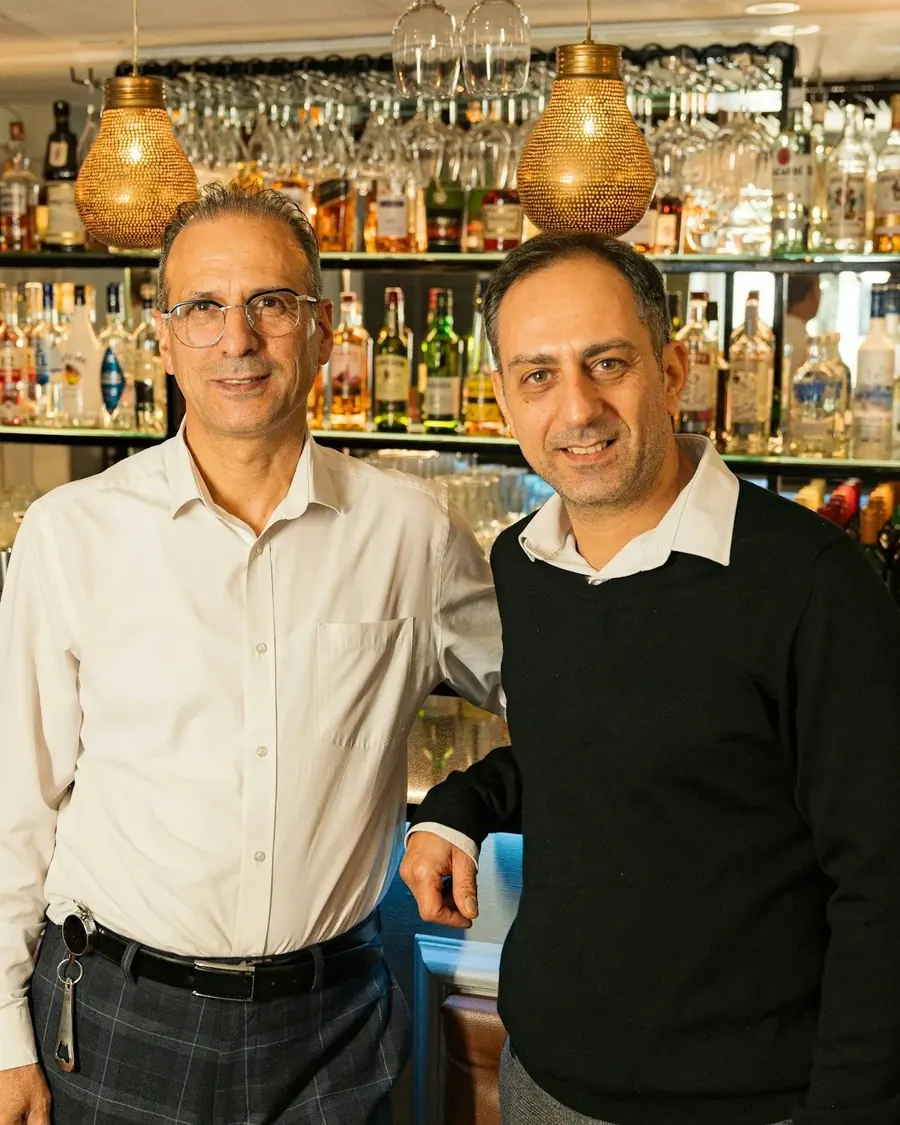
Savvas D.
Co-owner · The Agora
The team is so helpful whenever we need website updates, and the table reservation management makes it easy to sort out our bookings on busy nights.
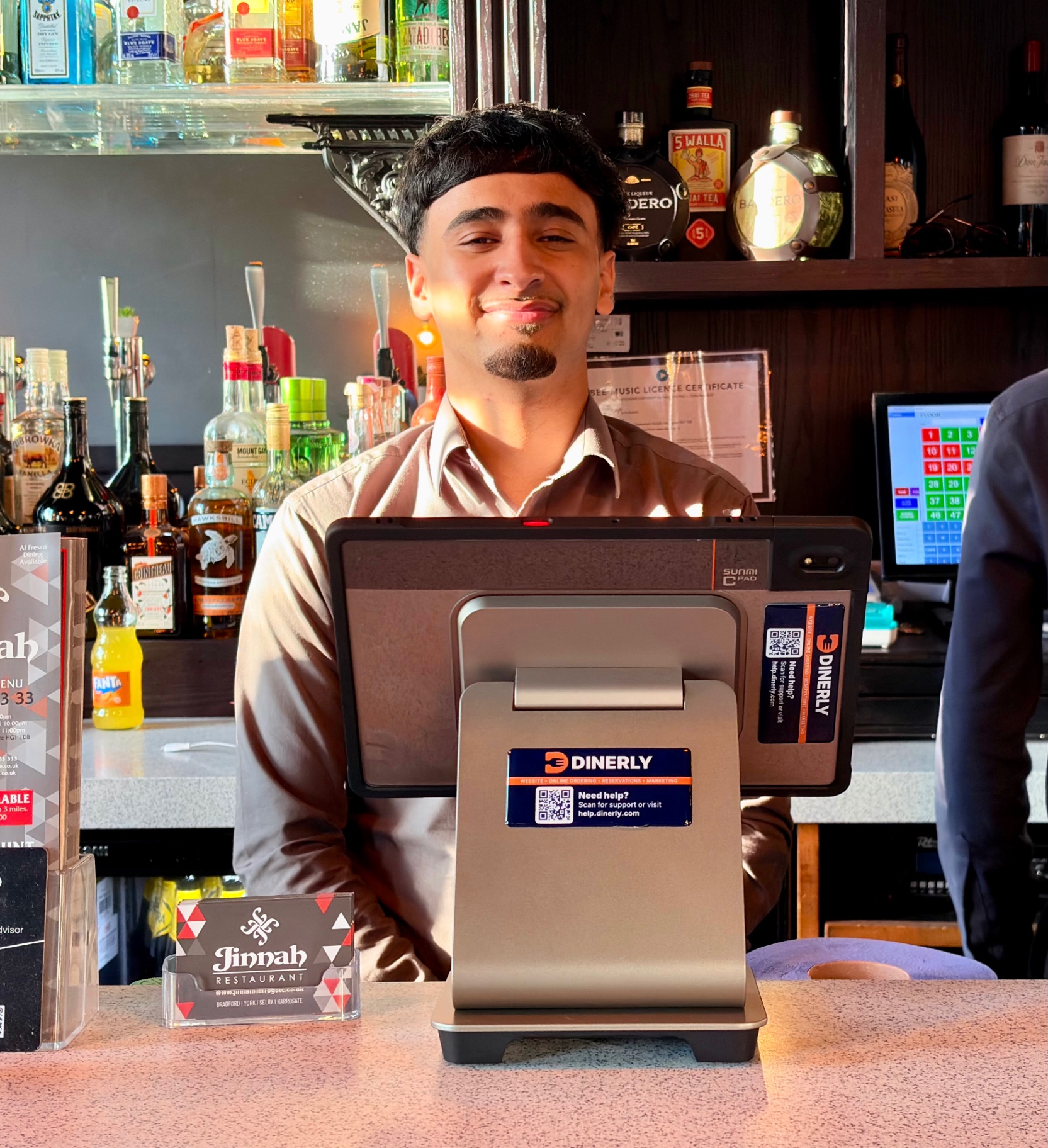
Faris K.
Owner · Jinnah Harrogate
The automatic SMS reminders and smart review system are game-changers. We get more bookings, fewer no-shows, and loads of 5-star reviews.
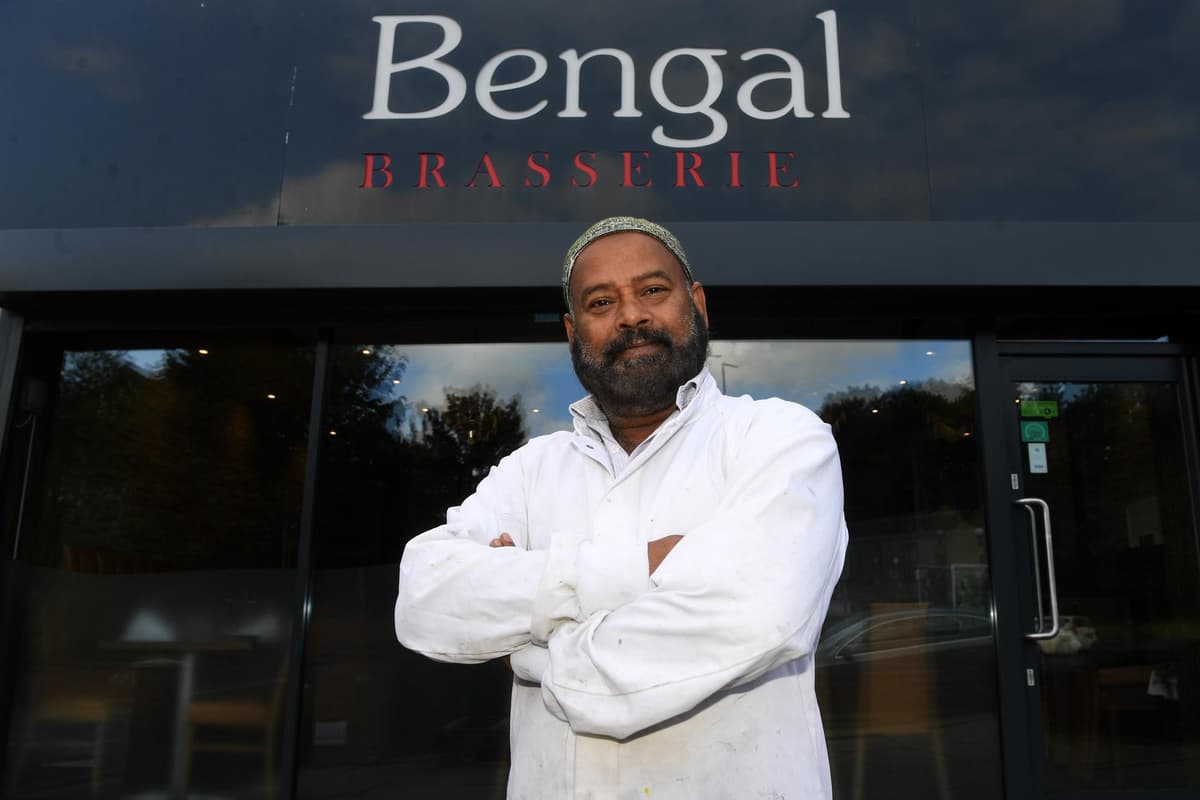
Shayasta M.
Manager · Bengal Brasserie
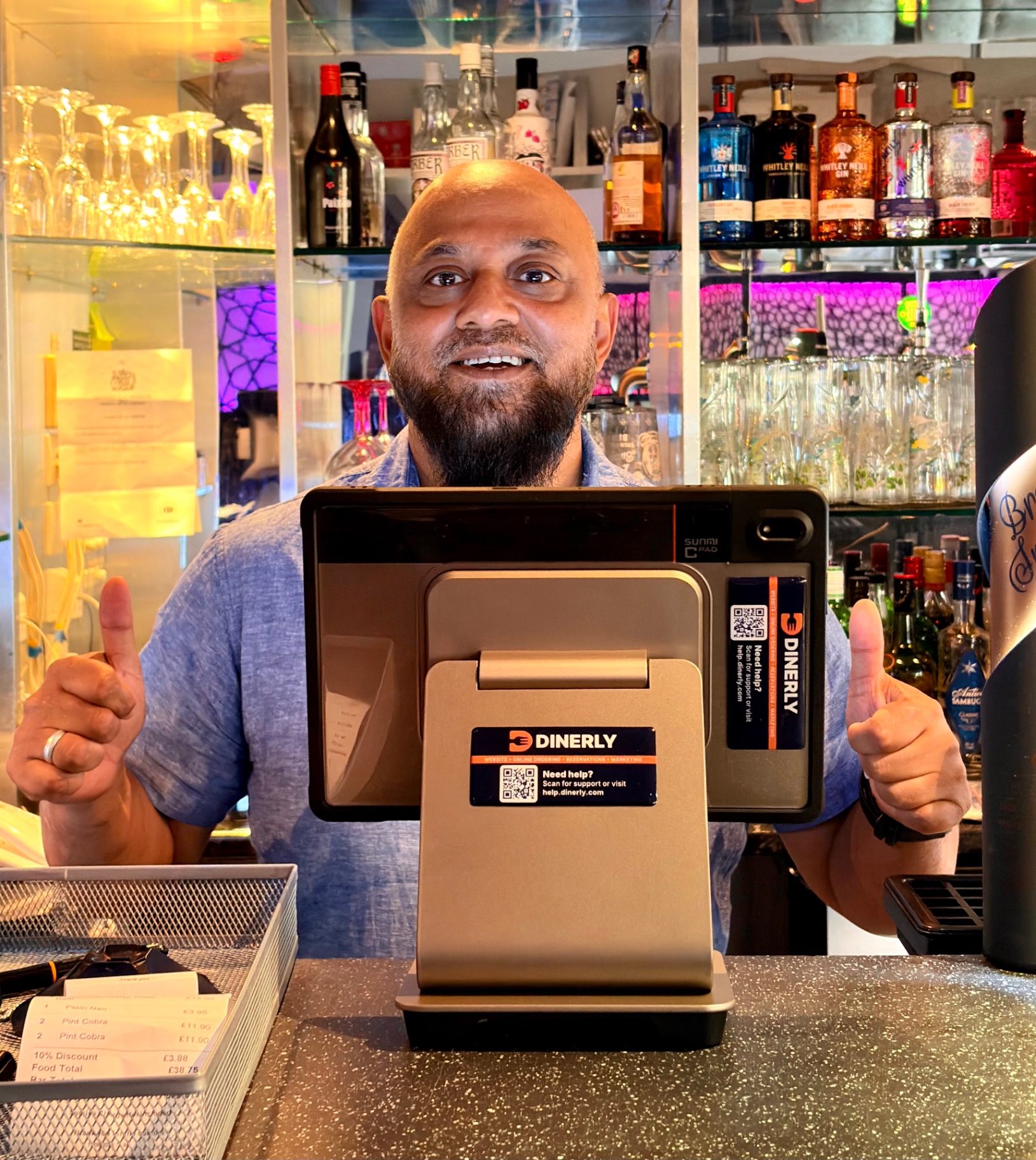
It handles our bookings, reviews, and orders while we focus on the food. I've never seen a system so hands-off.
Erjon B.
Co-founder · Taverna Harrogate
Dinerly gave us everything in one platform, online orders, reservations, marketing, loyalty. It just works. And the AI tips? Life-changing! We have increased our profit by +10% since we started implementing the tips.
Sam M.
Founder · Cinnamon Lounge
I just uploaded my menu and logo, and the Dinerly team took care of everything. Our website looks amazing and customers use it every day.
Tzoulian N.
Owner · Meat The Greeks
We waited four months for a website from another company. Tired of waiting, we switched — Dinerly had us live in just two days. And they did a smashing job.
Savvas D.
Co-owner · The Agora
The team is so helpful whenever we need website updates, and the table reservation management makes it easy to sort out our bookings on busy nights.
Faris K.
Owner · Jinnah Harrogate
The automatic SMS reminders and smart review system are game-changers. We get more bookings, fewer no-shows, and loads of 5-star reviews.
Shayasta M.
Manager · Bengal Brasserie
It handles our bookings, reviews, and orders while we focus on the food. I've never seen a system so hands-off.
Erjon B.
Co-founder · Taverna Harrogate
Dinerly gave us everything in one platform, online orders, reservations, marketing, loyalty. It just works. And the AI tips? Life-changing! We have increased our profit by +10% since we started implementing the tips.
Sam M.
Founder · Cinnamon Lounge
I just uploaded my menu and logo, and the Dinerly team took care of everything. Our website looks amazing and customers use it every day.
Tzoulian N.
Owner · Meat The Greeks
We waited four months for a website from another company. Tired of waiting, we switched — Dinerly had us live in just two days. And they did a smashing job.
Savvas D.
Co-owner · The Agora
The team is so helpful whenever we need website updates, and the table reservation management makes it easy to sort out our bookings on busy nights.
Faris K.
Owner · Jinnah Harrogate
The automatic SMS reminders and smart review system are game-changers. We get more bookings, fewer no-shows, and loads of 5-star reviews.
Shayasta M.
Manager · Bengal Brasserie
It handles our bookings, reviews, and orders while we focus on the food. I've never seen a system so hands-off.
Erjon B.
Co-founder · Taverna Harrogate
Dinerly gave us everything in one platform, online orders, reservations, marketing, loyalty. It just works. And the AI tips? Life-changing! We have increased our profit by +10% since we started implementing the tips.
Getting started
Let us do everything for you.
Step 1 of 3
We only take on 10 new restaurants a month.
We set up every restaurant ourselves, so we can only take on a few at a time. If you're interested, have a chat with us to see if we can help you.
Questions owners ask us.
Do I need to be good with computers?
No. If you can use WhatsApp, you can use Dinerly. And if you'd rather not, ring us and we'll do it.
I already have a website. What happens to it?
We'll look at it first and tell you honestly what's worth keeping. Then you decide.
Do I need to buy a tablet or printer?
The kit comes from us. Every restaurant gets a Dinerly kitchen printer, and Ultra includes a tablet too. It's covered by a one-off setup fee, which is free if you pay annually.
How much does it cost?
A simple monthly fee, with no commission on top. You can see every plan on our pricing page. See pricing